How to create a Human Skeleton Illustration image
The prompt
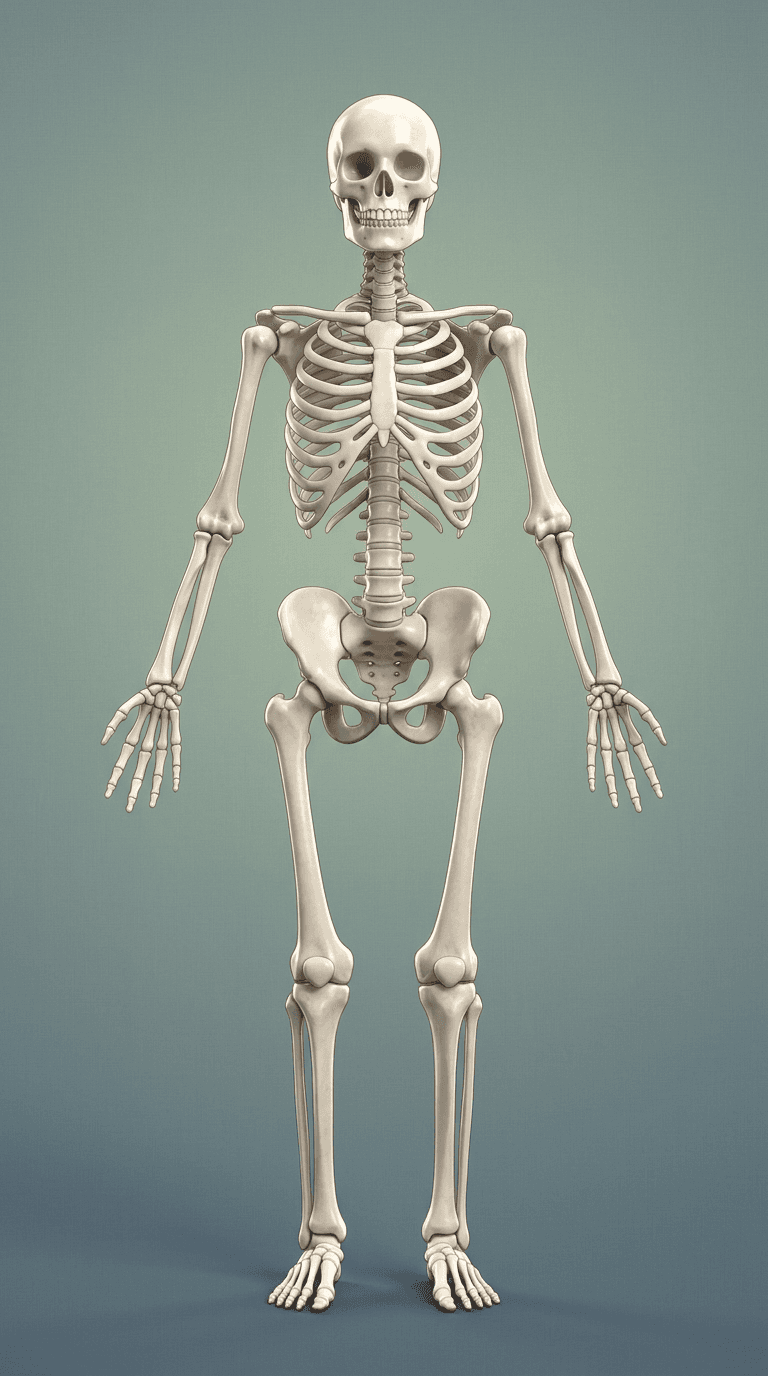
A tall, full-body frontal view of a human skeleton rendered in a clean, lightly stylized 3D medical-illustration style: figure centered and upright, arms relaxed slightly away from the torso with palms facing outward, feet together, complete skeletal anatomy clearly visible (skull with defined round eye sockets, jaw, teeth, cervical/thoracic/lumbar vertebrae, ribcage, clavicles, scapula outlines, pelvis, femurs, knee joints, tibiae, fibulae, hand and foot bones). Smooth, off-white bone material with cool ivory undertones, gentle specular sheen and a faint surface grain suggesting polished stone or matte resin rather than raw bone. Background is a soft sage-green to slate-blue vertical gradient with a barely visible fine linen texture, high-key and minimal. Even front studio lighting with a subtle overhead rim light to define contours and cast a soft grounded shadow directly below the feet; light ambient occlusion in joint cavities for depth. Portrait orientation, full-length crop with the skeleton occupying the central vertical axis, uniform depth of field keeping the entire figure sharp and detailed. Overall mood: educational, approachable, and gently playful — clinical, modern, and clean — suited to an anatomy poster or infographic. Camera straight-on, neutral 50mm perspective, high resolution, polished realistic-3D render.
How it works
- 1Tweak the prompt or pick a different model.
- 2Hit Generate — your image renders in seconds.
- 3Drop it straight into a video.