
Free YouTube Subtitle Downloader
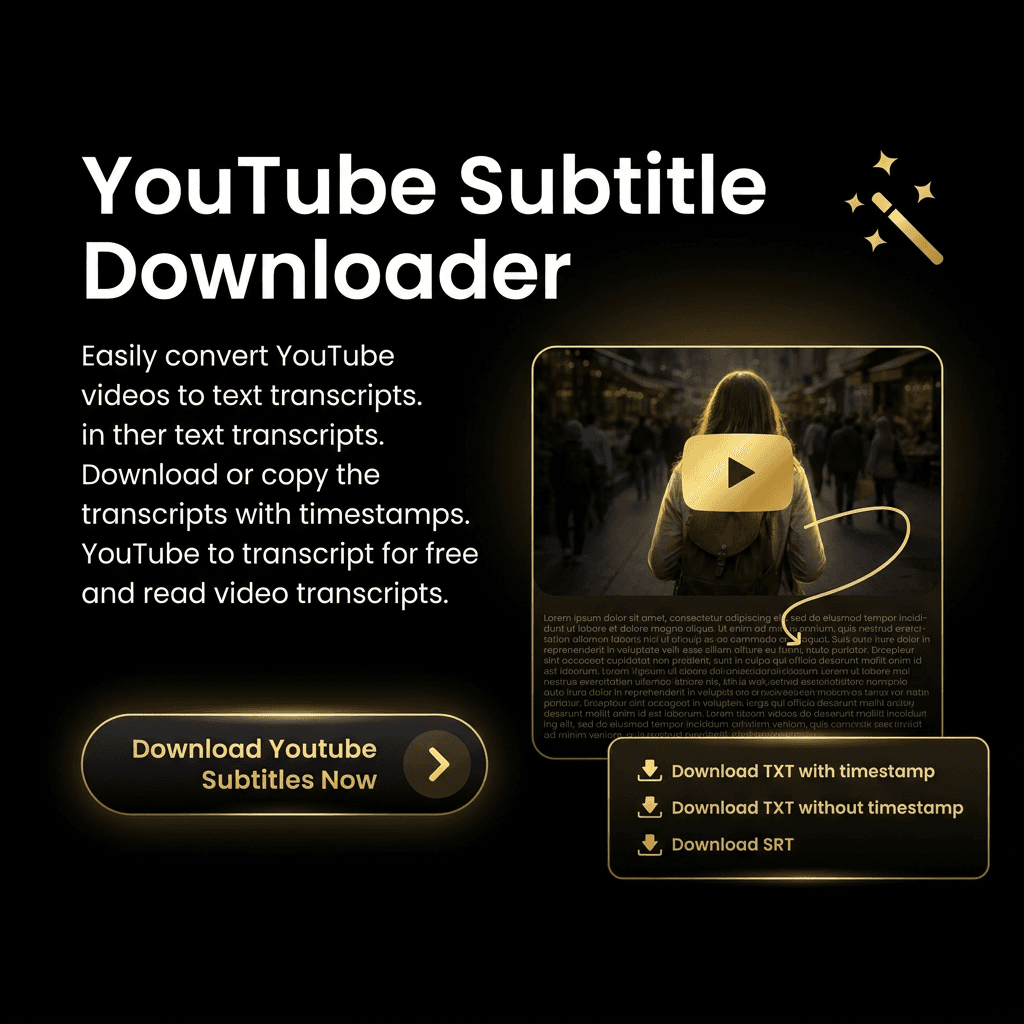
Paste a YouTube link and download the subtitles as SRT or plain text. Your first download is free.
Subtitles
Your subtitles will appear here.
How it works
- 01
Paste a video URL
Copy any YouTube video link and paste it in.
- 02
Fetch the subtitles
We pull the captions straight from the video.
- 03
Download SRT or TXT
Save the subtitles in the format you need.
Frequently asked questions
Is this YouTube subtitle downloader free?
Yes. You can download subtitles for one video free without signing up. Create an account to keep downloading subtitles at no cost.
What formats can I download?
You can download subtitles as an SRT file (with timestamps for video players) or as a plain .txt file.
Which videos are supported?
Any public YouTube video that has captions available — either creator-uploaded or auto-generated.