
Write a prompt like a shot list
Prompts that people save and reuse share one structure. One creator we studied posts his full prompt with each clip, and those posts get almost as many bookmarks as likes. His prompts, the scripts for our own trailer and our timelapse recipe all follow the same order.
Frame first, then motion
Make the first frame as an image and approve it before you make the clip. The frame fixes the place, the light, the people and the framing, so the video prompt only has to say what moves. The frame is the scene at rest, the opening beat, not the climax: if it already shows the action, the clip starts in the middle of it.
The order that works
1. The goal: the length, the shape and the story in one sentence, plus what must not happen. 2. The look: camera, lens, light and colour. Two looks if the story has two times, such as now and a memory. 3. The characters: one fixed description each, plus locks for things that drift. 4. The timeline: one block per stretch of seconds, with the shot size, the camera and the action. 5. The sound, on its own line. 6. What must not happen.
A worked shot
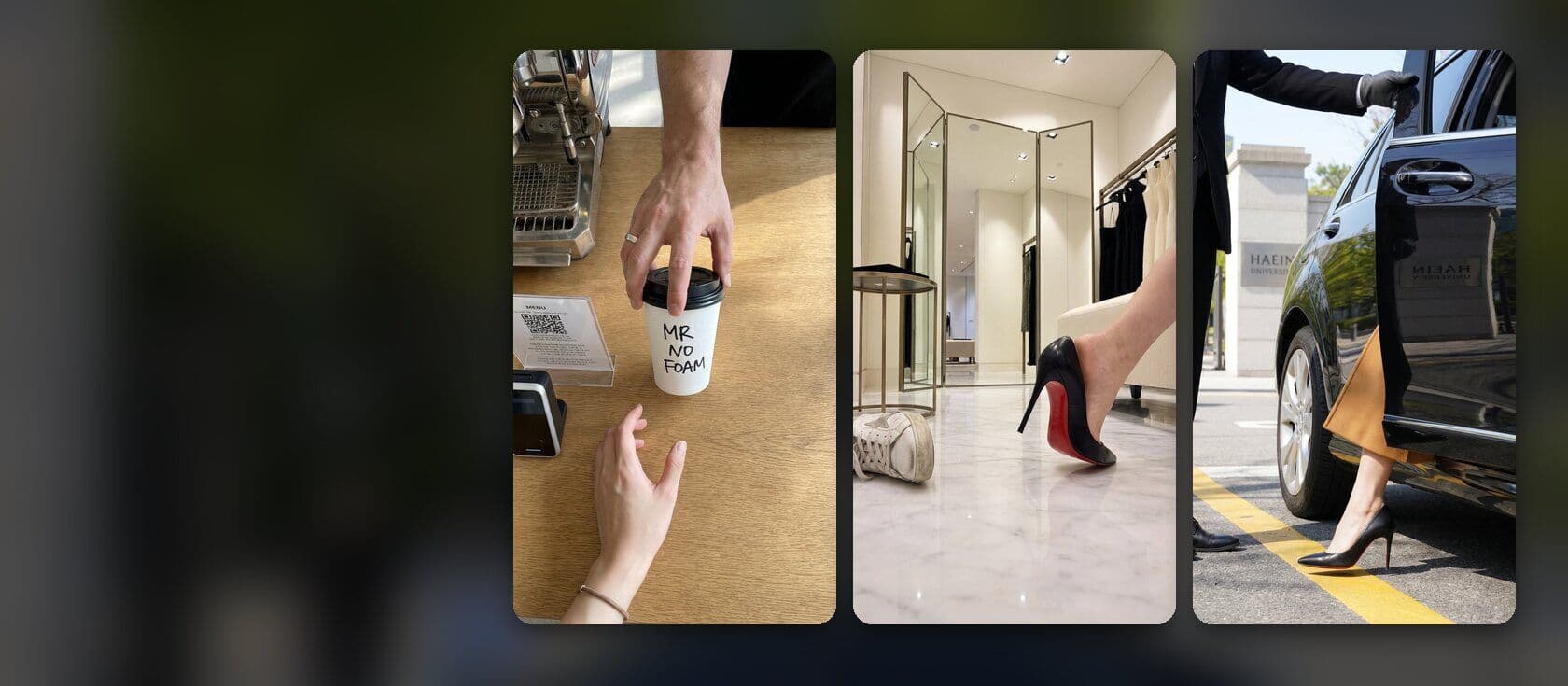
From the script of our K-drama trailer: “Close-up from the chest up at his eye level, 85mm shallow focus, the bright café window soft behind him: the man in a charcoal overcoat over a navy knit, holding a white paper cup just below his chin, looking down at the cup, the beginning of a smile.” One shot, one movement, and only details you can see. For several beats, write “0 to 2s: … 2 to 4s: …” with one action in each block.
One action per shot
Animated models do one physical action per shot well. If a shot only works when three things move at once, split it into shots. Say each instruction once: repeating an action or a camera move confuses the model. Put what matters first, because models give the start of the prompt the most weight.
In ViewPress
You do not have to write all of this. Describe the scene in plain words and the agent writes the shot. When you want full control, paste your own prompt and say “use this exactly”: the agent sends it unchanged. To copy a clip you like, paste its link: the agent studies its framing, motion and timing and writes your version.
Pitfalls
Mood words instead of things you can see: “epic”, “stunning”, “cinematic masterpiece”. A spoken line too long for its scene: about 3 words a second. Exact text inside the picture: add text in the editor instead.
Frequently asked
Should I write long or short prompts?
As long as it needs to be specific, and no longer. Add details that control the result and cut words that only decorate.
Why does my video ignore part of my prompt?
Too many instructions compete. Put the most important one first and split complex ideas into separate shots.