How to create a Miami Crime Scene image
The prompt
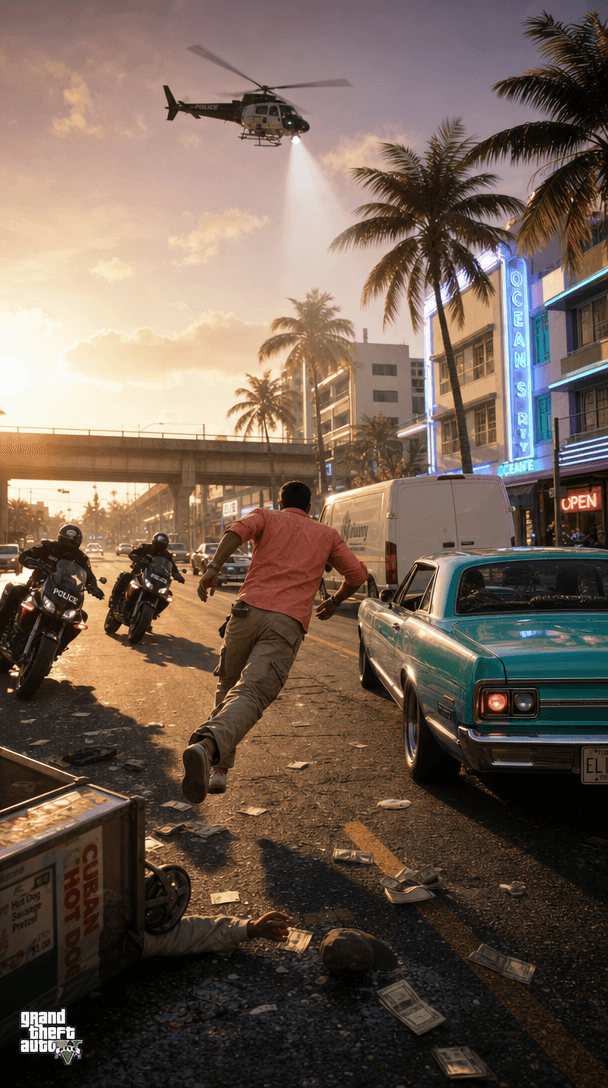
Photorealistic still from an open-world action game set in sun-drenched Miami. A wanted fugitive in a coral linen shirt and tan cargo pants sprints across a cracked six-lane boulevard at golden hour, weaving between a turquoise lowrider and a white delivery van. Heat shimmer rises off the asphalt. Neon-lit Art Deco storefronts and swaying palm trees line the sidewalk behind him. Two pursuit motorcycles close in from the left, officers in black tactical gear leaning hard into the turn. Overhead, a police helicopter casts a sharp search beam down through a haze of pink-orange sunset sky. The scene is framed like a wide cinematic game engine screenshot — high dynamic range, deep shadows under the overpass in the background, lens flare catching the chrome bumpers, hyper-detailed environment clutter: scattered dollar bills, a knocked-over food cart, a flickering neon "OPEN" sign. Photorealistic rendering, ultrasharp, cinematic color grade, no cartoon or painterly look.
How it works
- 1Tweak the prompt or pick a different model.
- 2Hit Generate — your image renders in seconds.
- 3Drop it straight into a video.