How to create a Gamer Sleep In image
The prompt
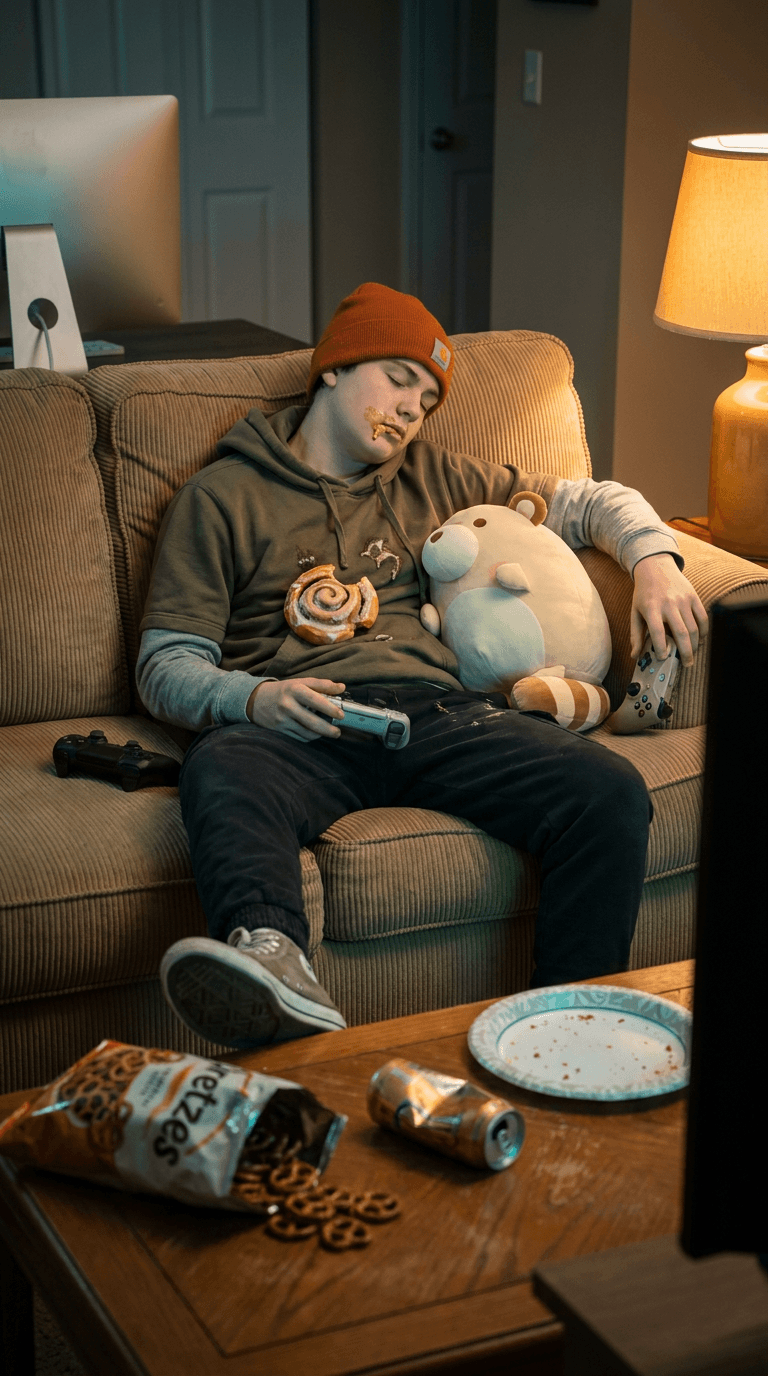
Photorealistic, cinematic scene of a cozy living room late at night: a teenage boy in a faded orange beanie, olive-green hoodie over a grey long-sleeve, worn canvas sneakers and dark joggers is slumped deep asleep on a tan corduroy couch, a half-eaten glazed cinnamon roll resting on his chest and sticky icing smeared across his cheek; a round, plump cream-colored creature with wide round ears and a stubby striped tail curls snugly against his side, both utterly at peace. He loosely grips a wireless game controller in one hand, a second controller propped against the couch cushion beside him; in the foreground a low wooden coffee table is littered with an open bag of pretzels, a crumpled energy-drink can, a paper plate dusted with cinnamon sugar and powdered crumbs. Warm amber glow from a table lamp on the right casts soft honey-toned shadows across the scene while cool teal-blue light spilling from an off-screen monitor provides a gentle opposing fill, producing subtle rim highlights and soft volumetric haze; shallow depth of field, smooth bokeh background, medium-wide 35mm cinematic framing, high-detail textures on corduroy, cotton, creature fur and icing glaze, natural warm skin tones, lightly desaturated background neutrals with saturated pops of orange, cream and golden-brown, mood nostalgic, tender and quietly humorous, soft domestic stillness.
How it works
- 1Tweak the prompt or pick a different model.
- 2Hit Generate — your image renders in seconds.
- 3Drop it straight into a video.