How to create a Skybound Executive Calm image
The prompt
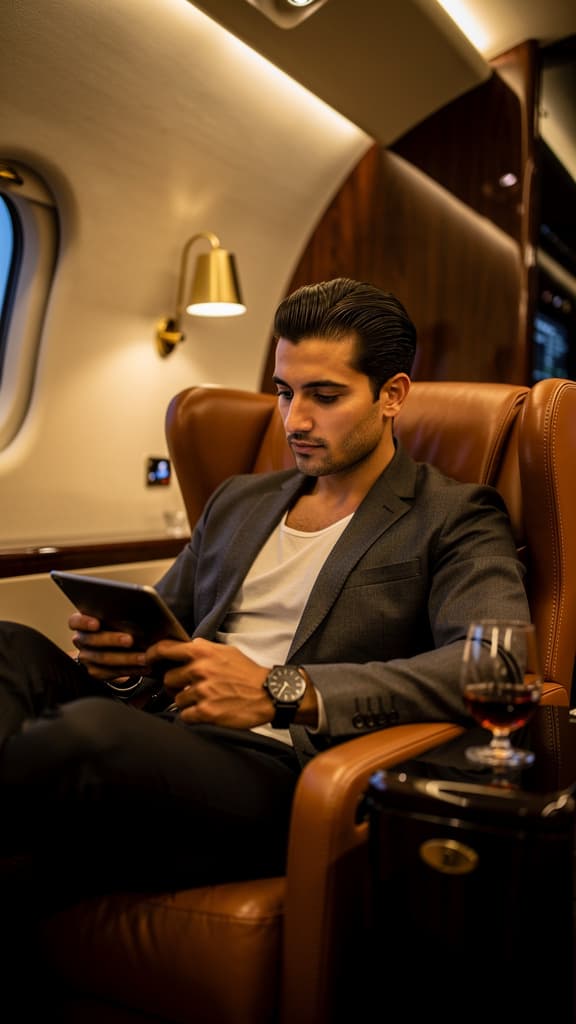
A sharp young man with slicked-back dark hair and olive skin, dressed in an unstructured charcoal-navy blazer over a collarless ivory shirt, lounges at ease in a deep caramel leather wingback seat inside a private jet cabin, scrolling through a tablet held in one hand while a matte-black wristwatch catches the light on the other; composed as a medium-wide shot from a slightly low angle to emphasize his relaxed authority and the jet's arched interior, shallow depth of field softly dissolving the cabin details behind him. Warm amber light from flush ceiling strips and a brushed-brass reading sconce pools gently across the leather grain and his cheekbones, establishing a polished, unhurried late-night business flight atmosphere. A stemless crystal glass of dark cognac sits on a lacquered ebony side table in the near foreground, its surface glinting with quiet refracted light; textures are dense and tactile, palette restrained and refined, rendered in photo-realistic cinematic style.
How it works
- 1Tweak the prompt or pick a different model.
- 2Hit Generate — your image renders in seconds.
- 3Drop it straight into a video.