
Free AI Audio Enhancer
Turn any voice recording into podcast-quality audio — background noise gone, levels balanced, studio finish. Your first enhancement is free.
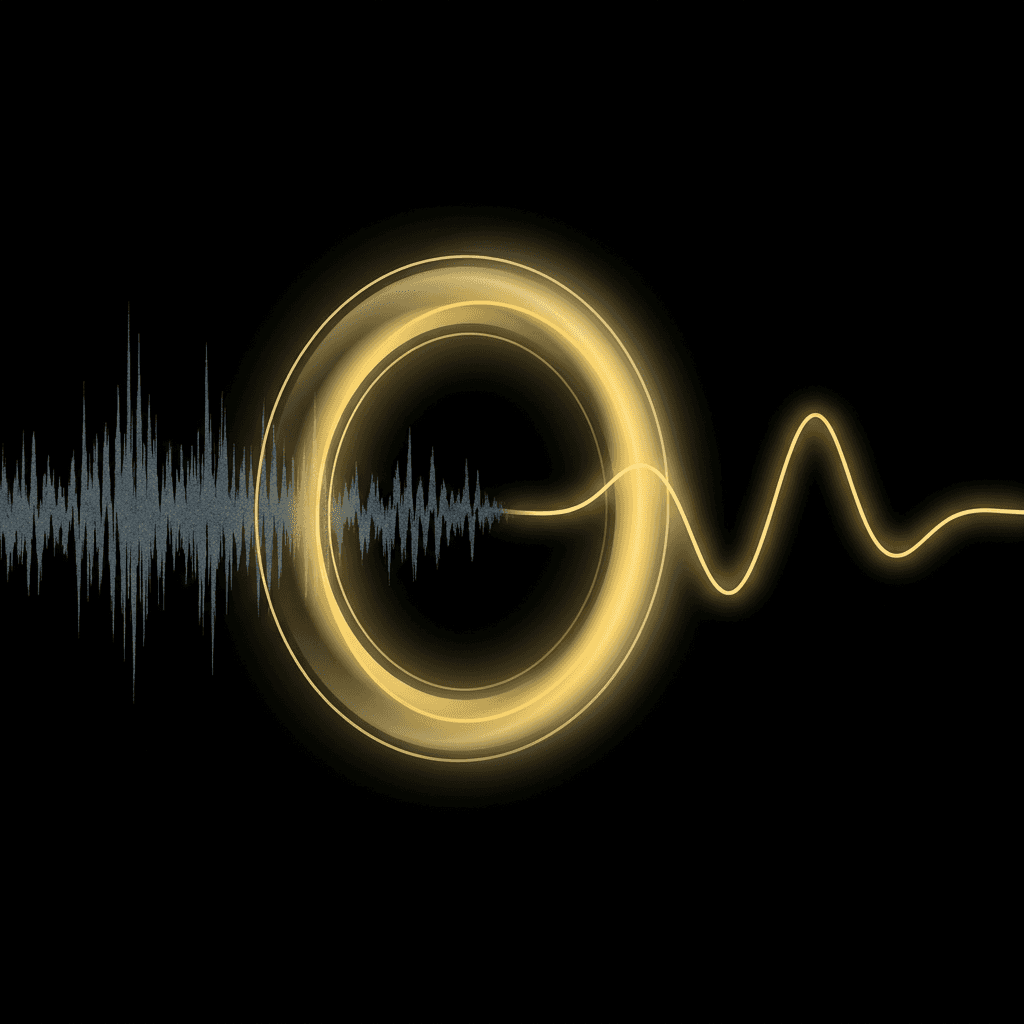
How it works
- 01
Upload your audio
Choose the recording you want to clean up (up to 60s free).
- 02
Let AI enhance it
Noise removal, level normalization, and studio sound run automatically — no settings needed.
- 03
Download the result
Get your enhanced MP3 in a few minutes.
Frequently asked questions
Do I need an account?
No. You get one free enhancement (up to 60 seconds) without signing up. Create an account to enhance recordings up to 10 minutes with credits.
What does the AI audio enhancer actually do?
It removes background noise like hum, hiss, traffic, and room echo, normalizes your levels, and applies a studio-sound pass so your voice comes out clear and full — like it was recorded with a professional microphone.
What audio formats can I upload?
Common formats like MP3, WAV, M4A, OGG, AAC, and FLAC all work. You can also pull the voice track out of a phone memo or interview recording. The enhanced result downloads as an MP3.
Why is the free run limited to 60 seconds?
The enhancement runs on premium processing that is billed per second of audio. The free run shows you the quality; a free account unlocks recordings up to 10 minutes.