
Remove Silence from Video
Tighten talking-head videos and podcasts by cutting dead air automatically. Upload a file, let it find the silent gaps, download the tightened result.
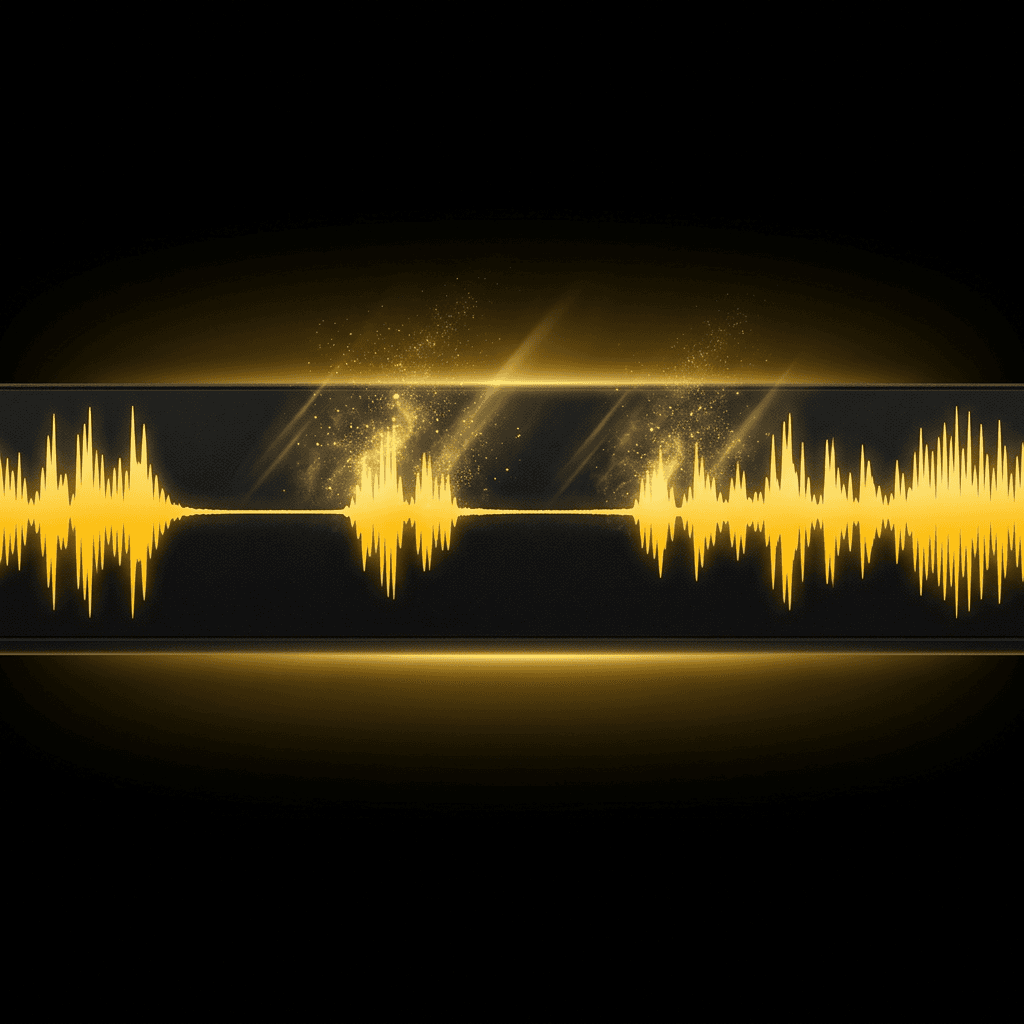
How it works
- 01
Upload video or audio
Choose the recording you want to tighten.
- 02
Silence is detected
Every stretch of dead air is found and cut out for you.
- 03
Download the result
Get a tighter cut that keeps every spoken word.
Frequently asked questions
Do I need an account?
Yes. Sign up and choose a plan to remove silence.
What files are supported?
Both video and audio work — MP4, MOV, WebM, MP3, WAV, and more, up to 15 minutes long. Videos come back as MP4, audio as MP3.
How does it decide what to cut?
It scans the audio for stretches of dead air and removes them, keeping every part where someone is actually speaking or sound is playing.
Will it cut off words?
No. Only sustained silent gaps are removed, so speech stays intact and the result flows naturally.