
AI Text to Speech
Type your script and get a natural, lifelike AI voiceover back as an MP3.
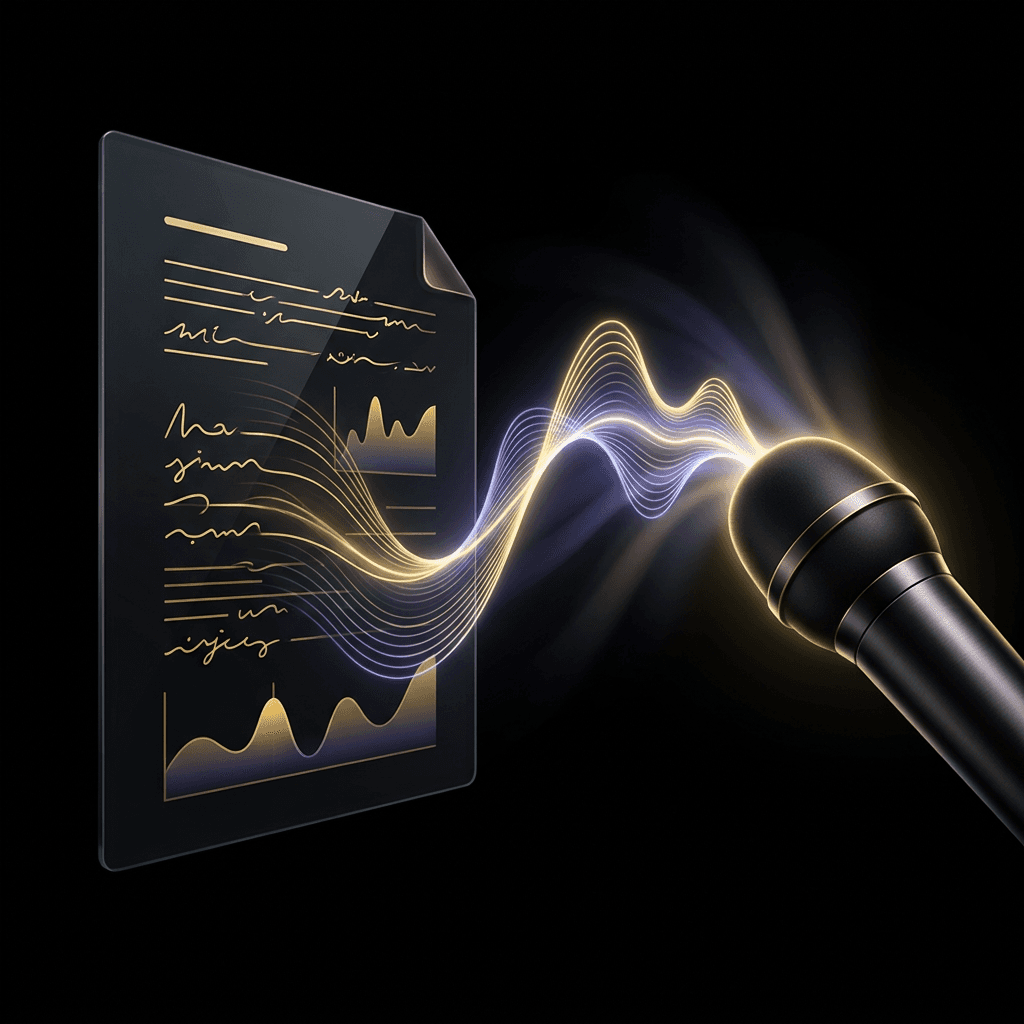
How it works
- 01
Type your text
Write or paste the script you want spoken (up to 2,000 characters).
- 02
Let AI voice it
A natural AI voice reads your text with lifelike pacing and intonation.
- 03
Download the result
Get your MP3 voiceover in under a minute.
Frequently asked questions
Do I need an account?
Yes. Sign up and choose a plan to convert text to speech.
How natural does the voice sound?
The speech is generated by a state-of-the-art AI voice model with natural pacing, intonation, and emotion — far beyond the robotic text-to-speech voices you may remember.
What can I use the audio for?
Voiceovers for short-form videos, podcast intros, presentations, e-learning, audiobooks — anywhere you need spoken audio without recording it yourself.
What format is the download?
Your speech downloads as a high-quality MP3 that works in every video editor, podcast tool, and browser.