
Remove Background from Images
Remove the background from any photo and download a transparent PNG.
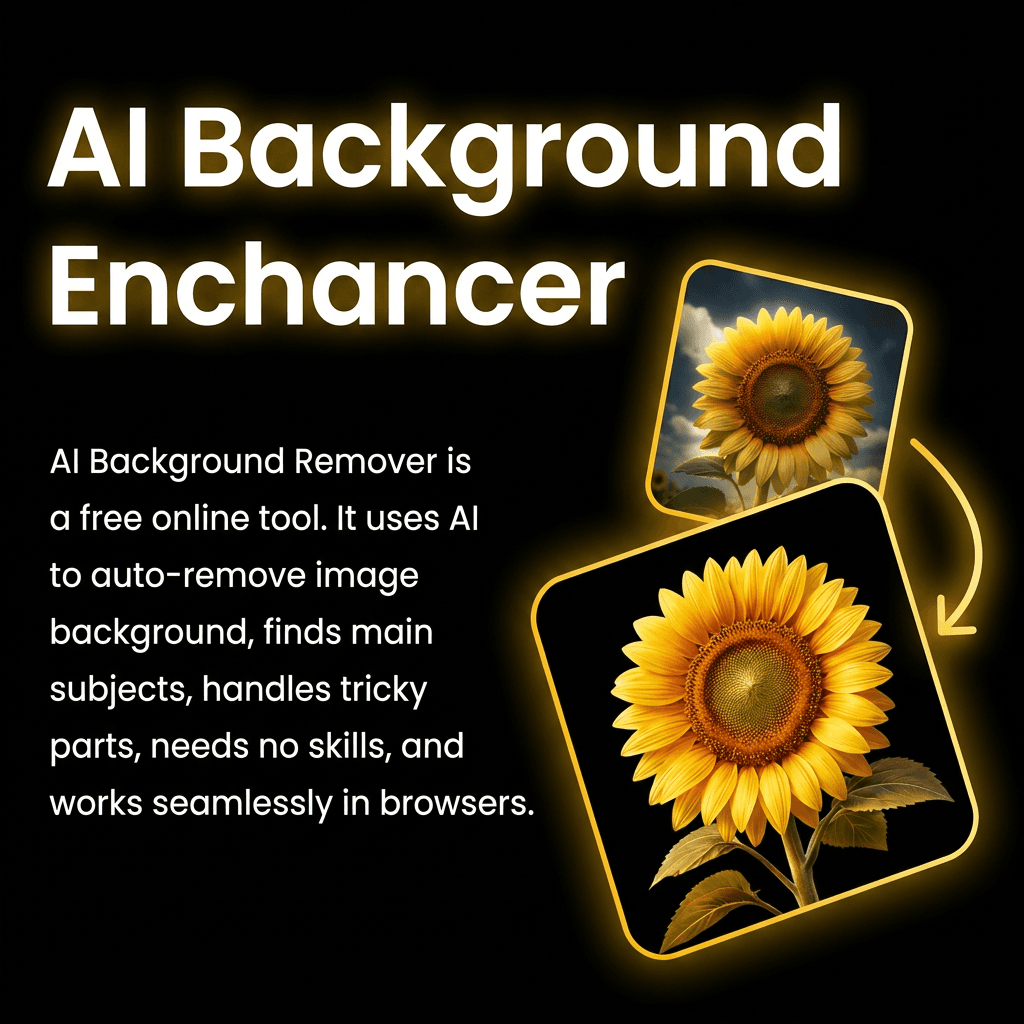
Result
Your transparent PNG will appear here.
How it works
- 01
Upload an image
Choose any photo with a subject you want to cut out.
- 02
Remove the background
AI detects the subject and erases everything behind it.
- 03
Download the PNG
Get your transparent PNG cutout in seconds.
Frequently asked questions
Do I need an account?
Yes. Sign up and choose a plan to remove backgrounds.
Is the background really transparent?
Yes. The subject is cut out and the result is returned as a transparent PNG, so you can drop it onto any new background.
What image formats are supported?
Common image formats up to 20MB work. Results are returned as a transparent PNG.