
How to make a promo video for your small business
A promo video for a small business is a short clip, 15 to 30 seconds, that shows one offer to one kind of customer and tells them what to do next. With ViewPress, the AI video maker for small businesses, you make one in four steps: describe your business and the offer in the chat, check the script and the scenes it makes, keep or change the voiceover, captions and music, and export it for Reels, TikTok, YouTube Shorts or a Facebook post.
What a promo video needs
One offer. Not your whole menu or your whole shop: the new-client cut, the weekend special, the product that just came in. One customer. Write it for the person who walks past your door, not for everyone. “Busy parents who need a quick lunch” gives the video a voice. “Everyone who likes food” does not. Three parts. A hook in the first two seconds: movement, a close-up or a question. The offer, shown and said once, clearly. And the next step: where you are, until when, and what to do. “Book on our page before Friday” beats “Visit us soon”.
Step 1: Describe the business and the offer
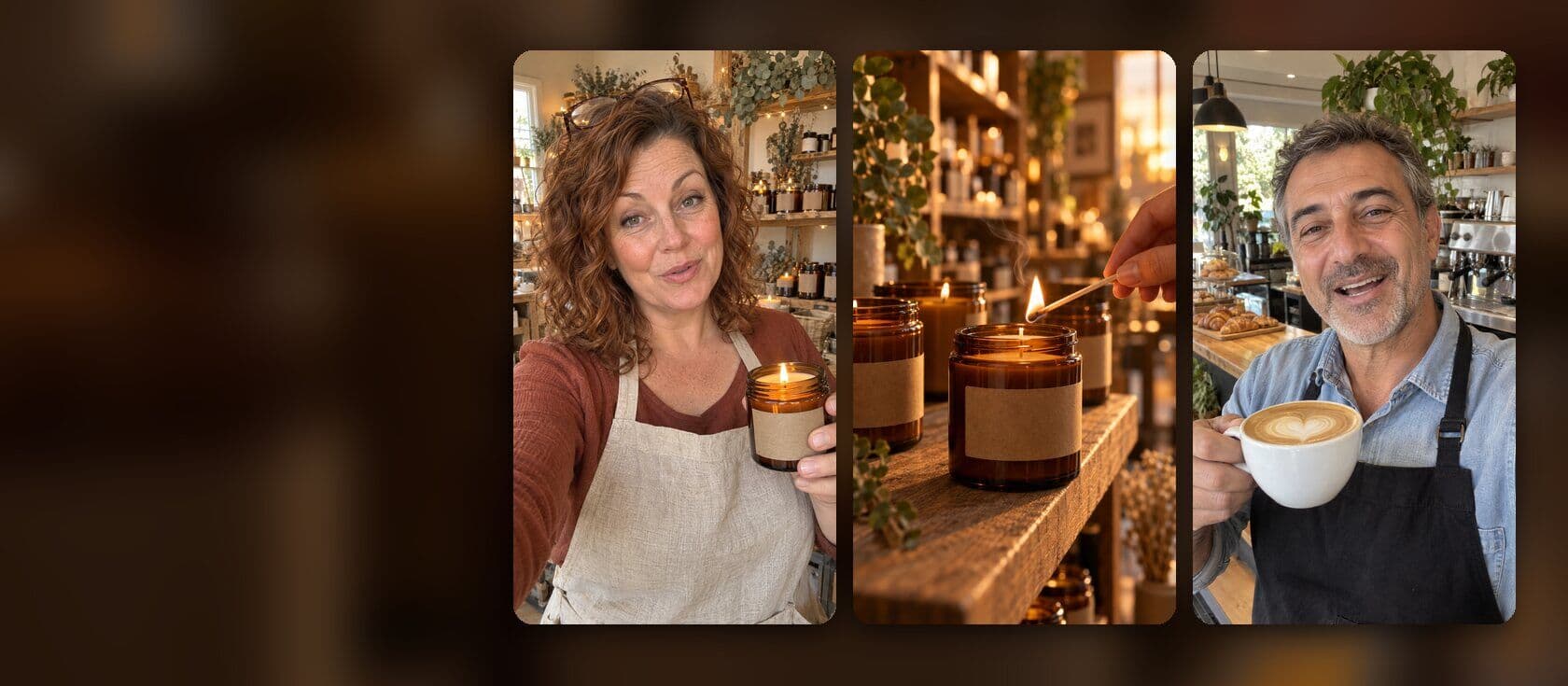
Open the chat and say what you sell, the offer and the length. For example: “A 20-second promo for my bakery, Rise. This weekend only: two sourdough loaves for the price of one. Warm voiceover, upbeat music, captions.” Attach a clear photo of your product or your shop. The agent puts the real product into the scenes, so the video shows your label and your counter, not an invented one. No idea where to start? The create page has ready starts: a product ad from one product photo, a UGC selfie ad where a creator talks to the camera about your product, or an explainer with a voiceover. Or paste the link of a video you like and ask for the same structure, made for your business.
Step 2: Check the script and the scenes
The agent answers with what it made: the scenes, the lines and the sound. A 17-second coffee cart ad, for example, comes back as four scenes: the cart at sunrise, the espresso pour, latte art and a cup to go, with a warm voice, acoustic music and captions. Read the lines out loud. If a line sounds like an ad agency, ask for it plainer. Then change one thing at a time, in your own words: “Put the offer over the espresso shot.” The agent changes that part and leaves the rest. For small fixes, open the editor and move or trim a scene yourself.
Step 3: Voice, captions and music
Voiceover: pick a voice that sounds like your business, warm for a cafe, calm for a clinic. Keep the script short: two or three plain sentences for a 20-second video. Captions: put the offer and the price on screen as well as in the voice. Someone who scrolls with the sound off still reads the offer. Choose a style, a font, the size and how many words show at a time. Music: an instrumental track under the voice, so the two do not compete. Ask for a mood (“bright acoustic”, “slow piano”) and keep it quiet under the words.
Step 4: Export for each platform
Choose the shape of the place you post it in the editor, then export: 9:16 (tall) for Instagram Reels, TikTok, YouTube Shorts and Stories; 4:5 or 1:1 for a post in the Facebook or Instagram feed; 16:9 (wide) for YouTube or the top of your website. Start with the tall shape if you are not sure. One tall video fits Reels, TikTok and Shorts.
Three promo videos to make this week
A salon: a 15-second video of one finished look, with the new-client offer on screen and “Book through the link in our bio” at the end. A cafe: the morning special, from the first pour to the cup in a customer’s hand, with the hours on the last frame. A shop: a new product in the hands of the owner, one line about why you stock it, and the shop name with the street. Make all three, post one every few days, and keep the one people watch to the end. That is the one to make again next month.
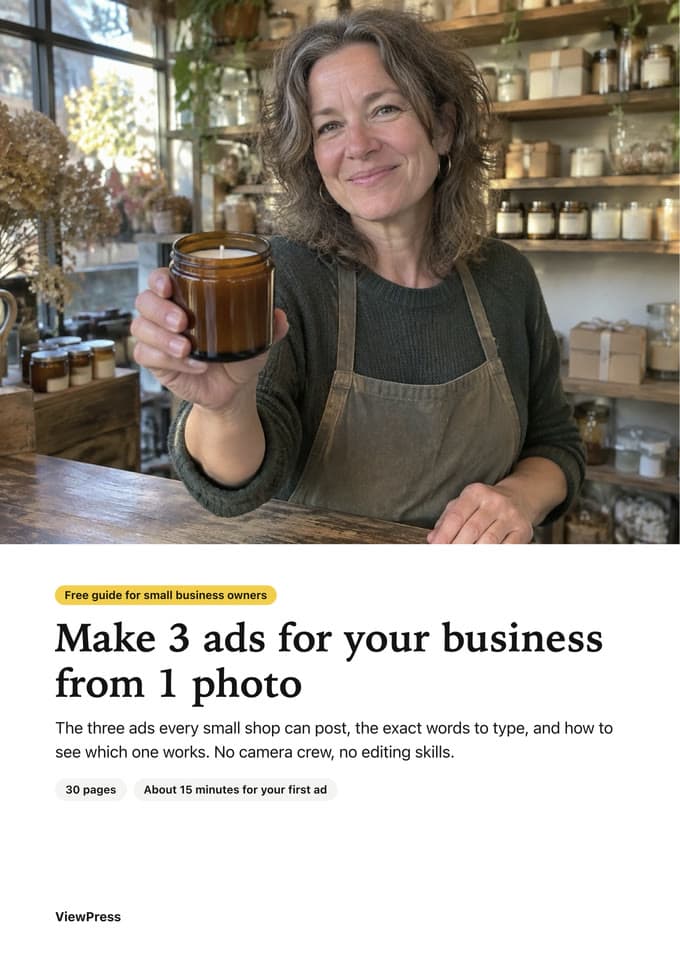
Free PDF guide for your business
How to make AI ads for your small business
You type what you want, like in a chat, and ViewPress makes the video. No camera, no editing.
Get the free guideFrequently asked
What should a promotional video include?
A hook in the first two seconds, one clear offer, your product or your place, and the next step: where to go, until when, and what to do. Put the offer in the captions as well as in the voice.
Can you give me an example of a promotional video?
A 17-second coffee cart ad: the cart at sunrise, the espresso pour, latte art and a cup to go, with a warm voiceover, acoustic music and captions. In ViewPress it starts from one message: “A 17-second ad for my coffee cart, Morning Cart. Warm voiceover, music and captions.”
What kind of videos attract viewers?
Short videos that move in the first second, show a real product or place, and look like a post, not a TV ad. In a social feed, a video that looks like a post gets watched. Make a few and keep the ones people watch to the end.
How do I make a promotional video for Facebook?
Make the video in 4:5 or 1:1 for the Facebook feed and in 9:16 for Facebook Reels and Stories. Keep the offer in the captions too, for people who watch with the sound off.
Do I need to film anything?
No. The AI makes the scenes from your description. A clear photo of your product or your shop helps, so the video shows the real thing. Try ViewPress for free and make your first promo from one message.