
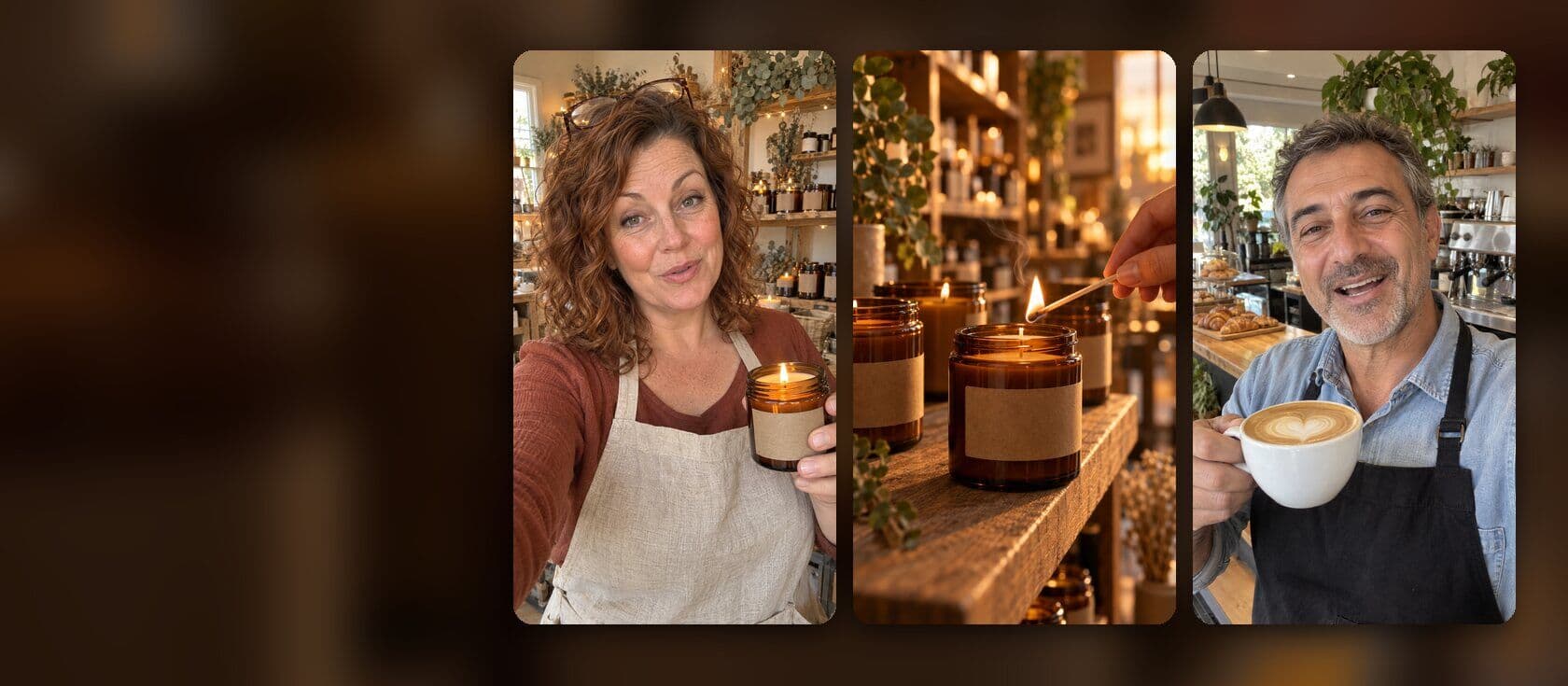
Salon marketing ideas: promo videos made with AI
The best way to advertise a salon today is short video. Post a few 15-second videos a week: a finished look, a new service, an offer with an end date, your team and a reminder to book. People check your Instagram before they book, so these videos do the work of an ad and a price list at once. With ViewPress, the AI video maker for small businesses, you type one line for each video in the chat. It makes the scenes, the voice, the captions and the music. You check it, change what you want and schedule it.
Which videos bring clients to a salon?
Five kinds cover a hair salon, a beauty salon, a nail bar or a barber. Each one answers a question a new client has before they book. The finished look: one cut, colour or set of nails, shown slowly, with the name of the service on screen. Use your own photos of the real result. A made-up result brings clients who expect something you did not do. A new service: what it is, how long it takes and what it costs, in 15 seconds. An offer with a date: one deal, one price, one day it ends. “New clients: 20% off a cut until Sunday.” The team: each stylist, their name and what they love to do. Clients book a person, not a chair. A booking reminder: the free slots this week, the hours and how to book.
How do I make a salon video with AI?
1. Open the chat in ViewPress. Say what the video is for, how long it is and who it speaks to. “A 15-second video for my salon, Studio June. New clients get 20% off a cut this week.” 2. Attach your photos: a finished look, your chair, your sign. The video shows your real salon, not a stock one. 3. Read the plan. ViewPress shows the scenes, the voice and the music, and the price in credits before it starts. Say yes, and it makes the video. A video is usually ready in 10 to 15 minutes, and you can close the tab and come back. 4. Ask for changes in the same chat: “Make the hook shorter.” “Put the price on screen.” “Add our street.” It changes that part and leaves the rest. 5. Check the captions. Many people watch with the sound off, so the offer, the price and the date go on screen too. The video captioner adds captions to a clip you filmed yourself. 6. Export it tall (9:16). One tall video fits Instagram Reels, TikTok and YouTube Shorts.
What does a week of salon posts look like?
Give each kind its own day, so you never start from a blank page. Monday: the offer of the week, with its end date. Tuesday: a finished look from last week, from your own photos. Wednesday: one stylist, their name and their favourite service. Thursday: a new or less known service, with its price and time. Friday: the free slots for the weekend and how to book. Next week, keep the days and change the topic. A new look, a new offer and a new stylist give you a month of posts from the same five formats. You can make the whole week in one sitting. Then pick the days and times and schedule it.
Salon video prompts to copy
Change the names and the details, keep the shape. The finished look: “A 15-second video of this balayage from three of my photos. Slow zoom on each, soft music, the words ‘Balayage, 3 hours’ on screen, and ‘Book through the link in our bio’ at the end.” A new service: “A 15-second video for our new brow lamination. What it is in one sentence, how long it lasts, the price on screen. Warm voice, captions.” The offer: “A 15-second video: new clients get 20% off a cut at Studio June until Sunday. Bright music, the price and the date in big captions.” The team: “A 20-second video that introduces Mia, our colourist, from her photo. She says her name and that she loves bold reds. Friendly voice, captions.” The reminder: “A 10-second video: three free slots this Saturday, booking link in our bio. Upbeat music, no voice, big text.” For the team video, the talking photo tool can make a stylist’s photo say a line of welcome, if they want to be in the video without filming.
Where should a salon post its videos?
Start with Instagram, next to the photos of your work. Post the same video as a YouTube Short, so people who search for a cut or a colour can find you. In ViewPress you post to Instagram and YouTube, or schedule it. For TikTok, the video goes to your TikTok drafts, and you post it from the TikTok app. Put your booking link in your bio on each one, and say “link in bio” at the end of every video. Then look at three numbers after two weeks: how many people watched to the end, how many saved it and how many tapped your link. Make more of the kind that wins.
Free PDF guide for your business
A month of Instagram Reels for your local business
40 Reel ideas, and the exact words to make the first four.
Get the free guideFrequently asked
How do you advertise your salon business?
Show your real work, often. A few short videos a week on Instagram and YouTube Shorts, each with one message: a finished look, an offer with a date or the free slots this week. End each one with how to book.
How do I attract customers to my salon?
Give a new client a reason to book now and a reason to trust you. The reason to book is an offer with an end date. The reason to trust you is your real results and your team, shown in short videos they can watch before they call.
What are 5 marketing activities for a salon?
Five a salon can do every week: post a finished look, show a service with its price, run one offer with an end date, introduce a stylist and post the free slots for the weekend. Each one can be a 15-second video.
How much does it cost to make salon videos with AI?
With ViewPress, the Growth plan is $49 a month (launch price). It makes about 12 finished videos a month: script, shots, voice, music and captions, sized for Reels, TikTok and YouTube Shorts. That is about three videos a week. You can cancel anytime.